ENGG1310-Past-Paper-Solutions
File description: A set of suggested solutions for ENGG1310 Past Papers.
Document status: WIP
Last modified: 2026-09-11 21:12 HKT

About This Document
This is a comprehensive collection of past paper solutions for the course ENGG1310 (Electricity and Electronics) covering exams from 2023 to 2024. The solutions are organised by year, with an index for you to query easily by topic.
Change of Syllabus
It has been observed that the examination format and difficulty have greatly changed since 2023. While the reason behind this is unknown, it is suspected that the syllabus has been changed. There is currently no plan to include solutions for exams before 2023, but if you are interested in contributing, please open a pull request.
Work in Progress
These past paper solutions are still being worked on. Many questions are still missing. Some solutions may be incomplete or incorrect. If you spot any errors, or if you are interested in contributing, please open a pull request.
Preview of the File
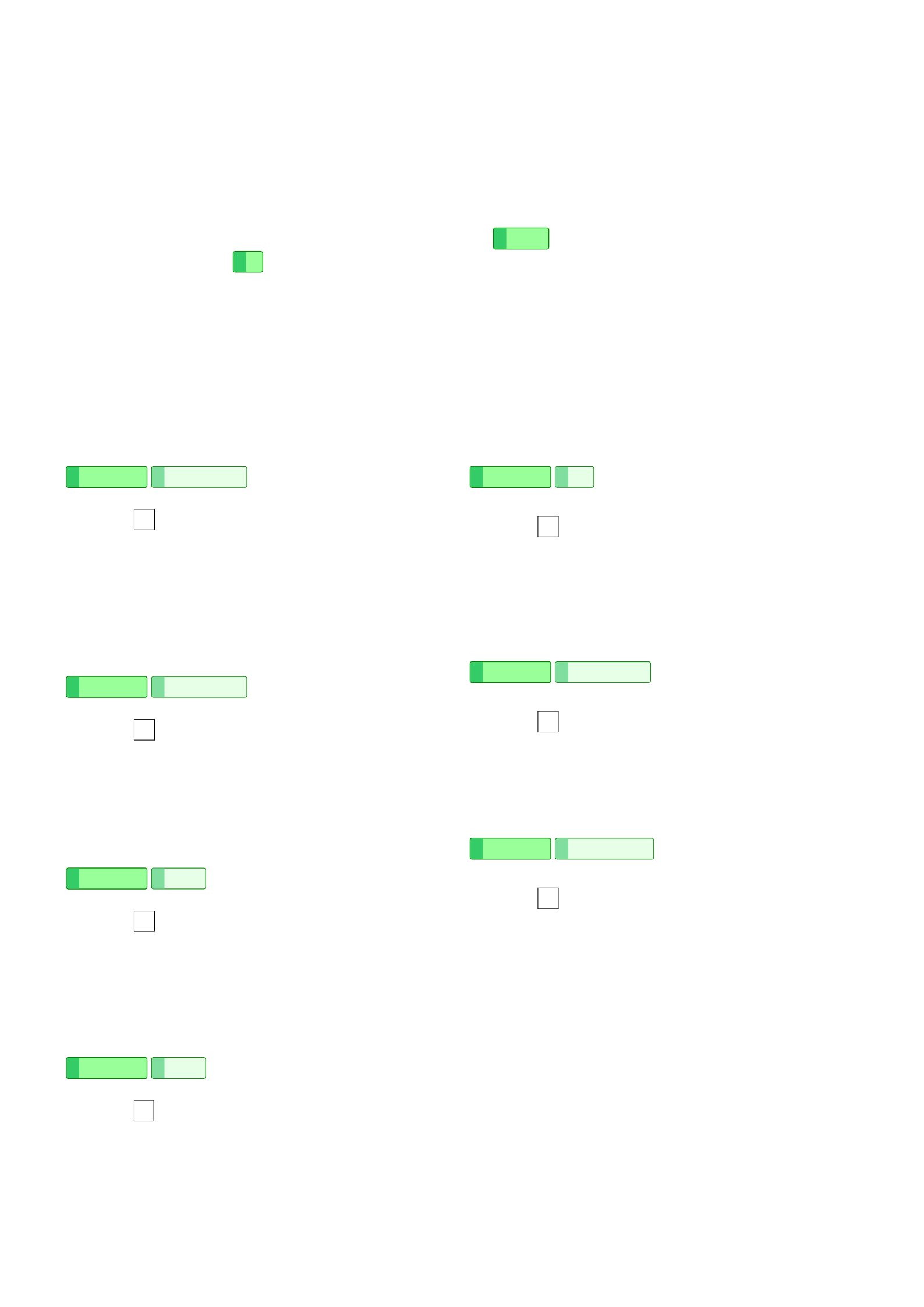
Page 1 of 18
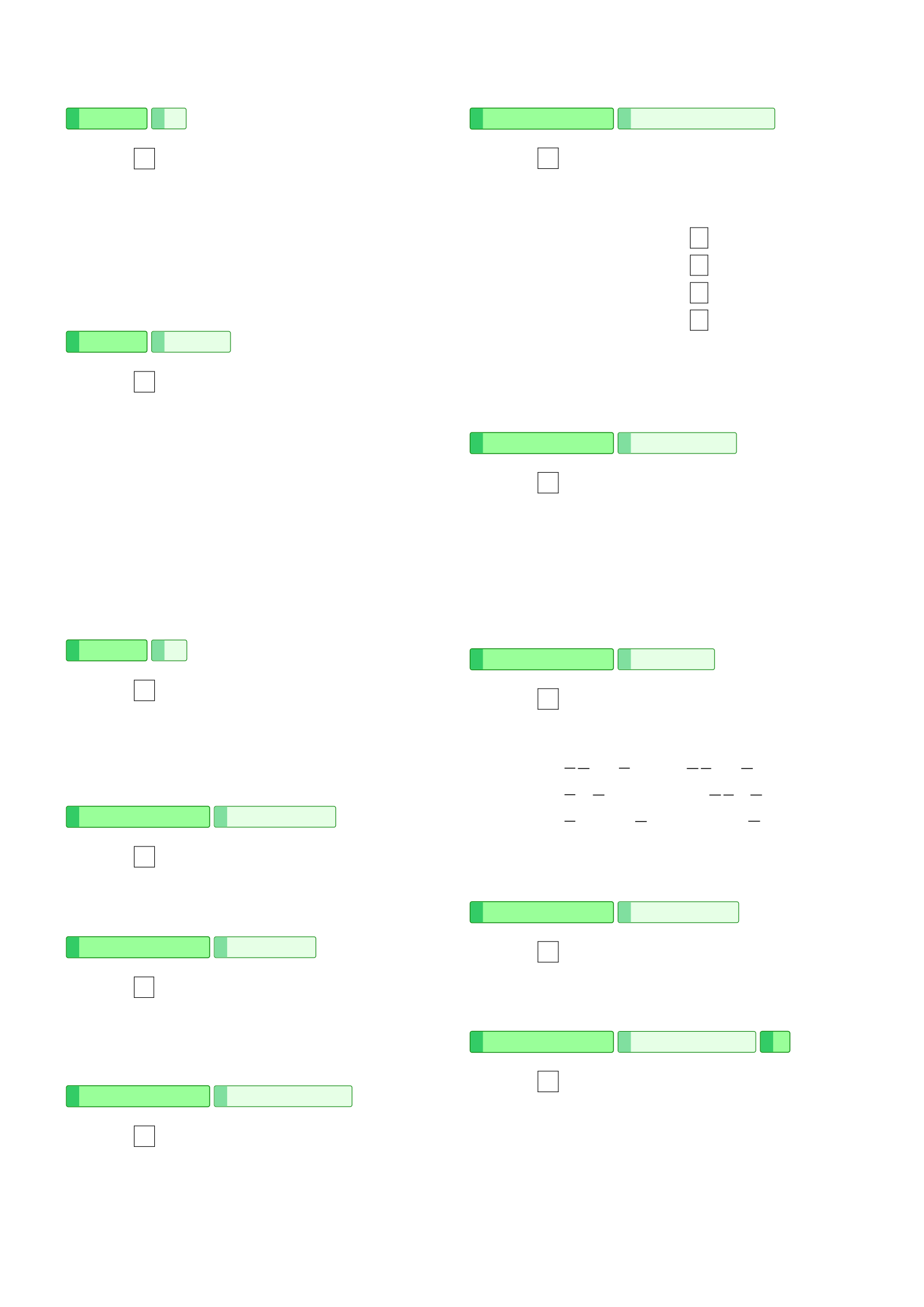
Page 2 of 18
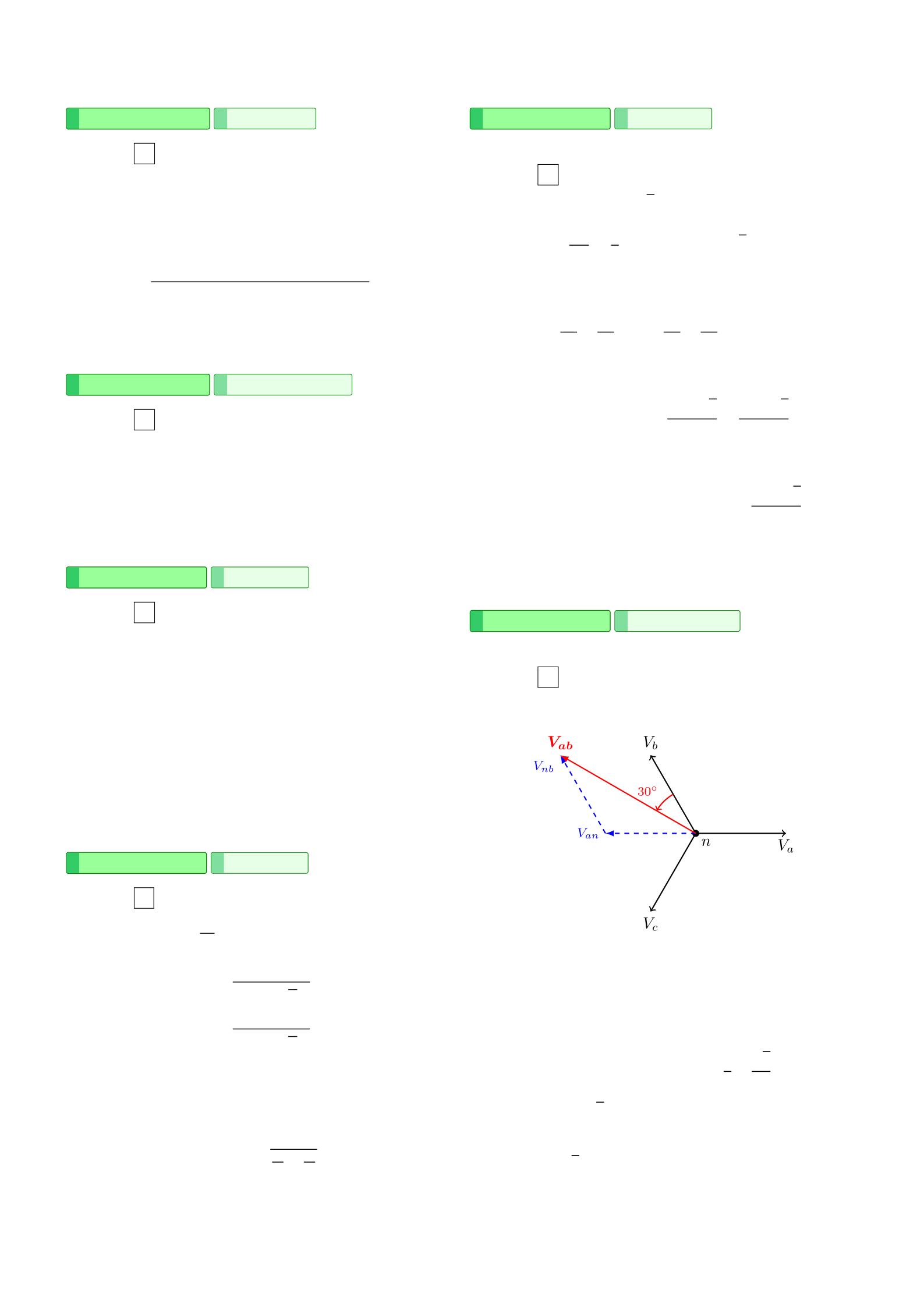
Page 3 of 18
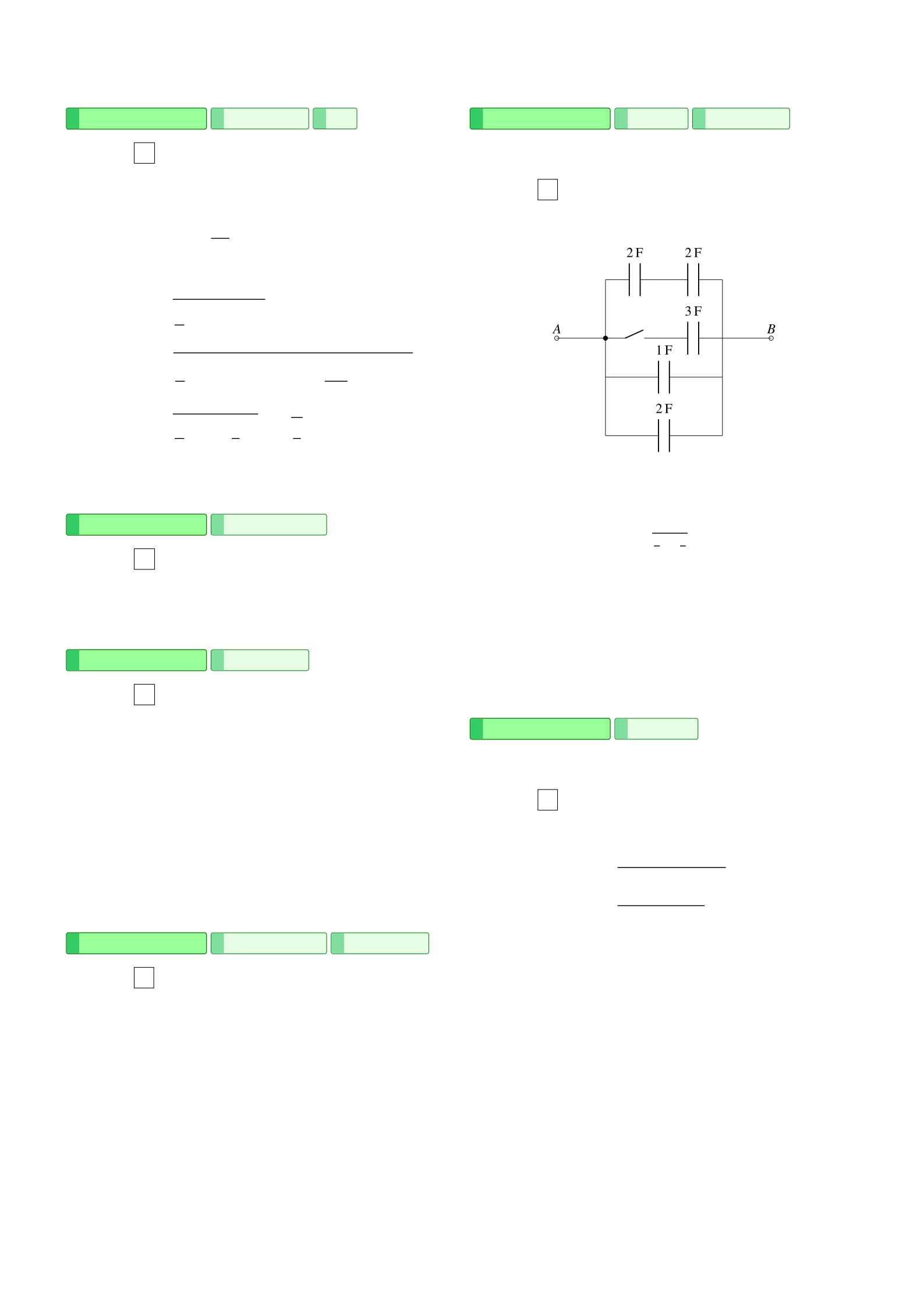
Page 4 of 18
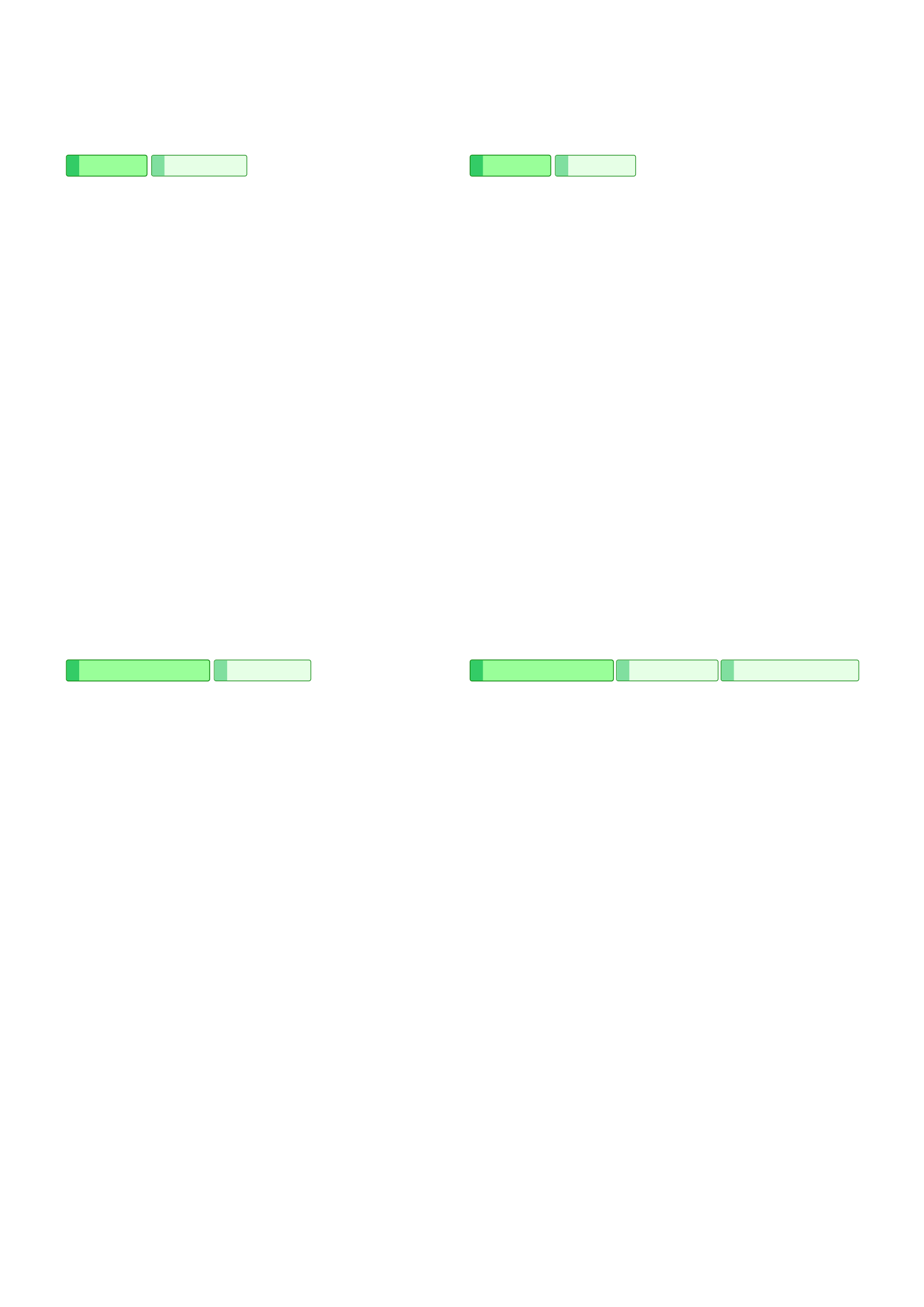
Page 5 of 18
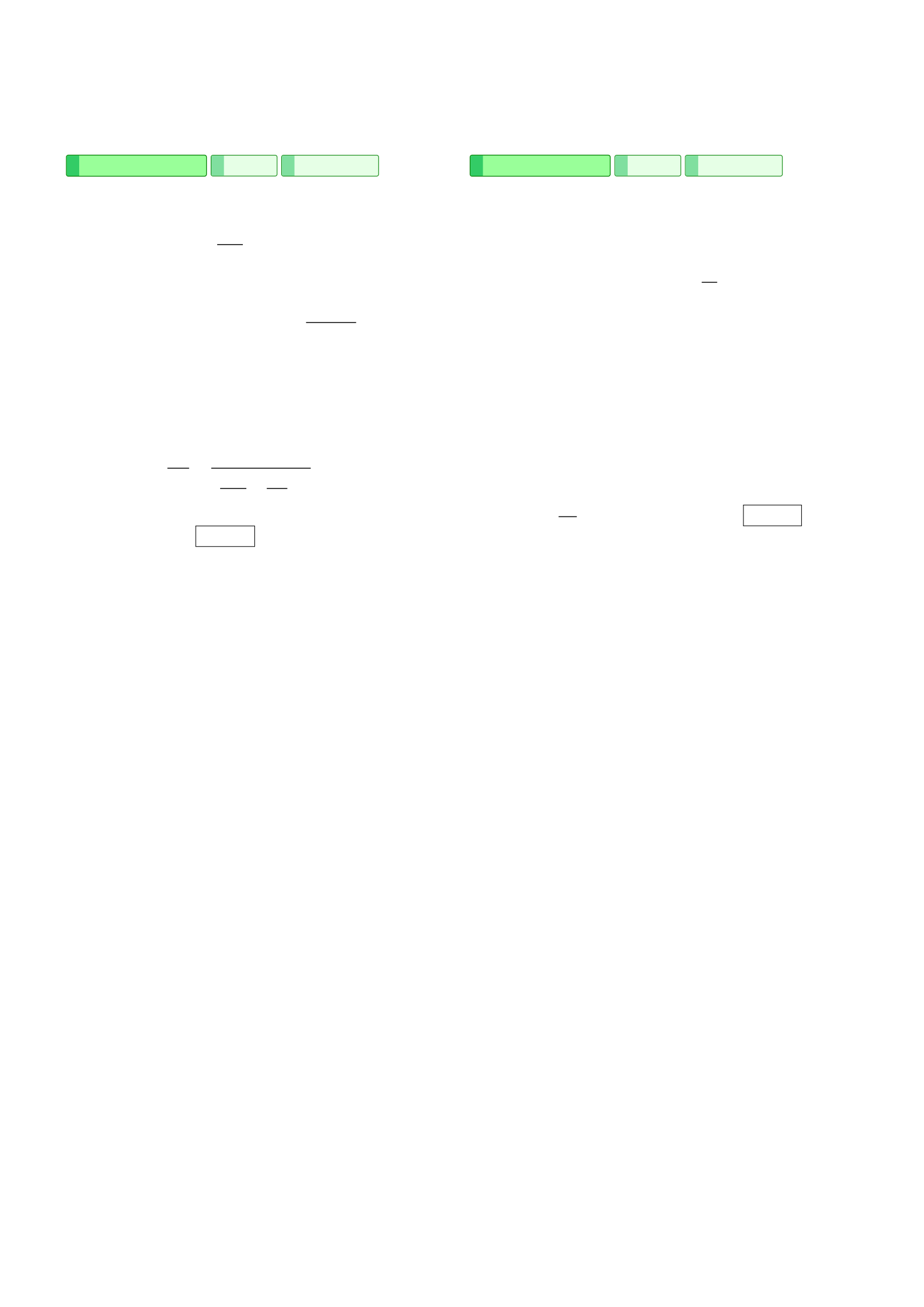
Page 6 of 18
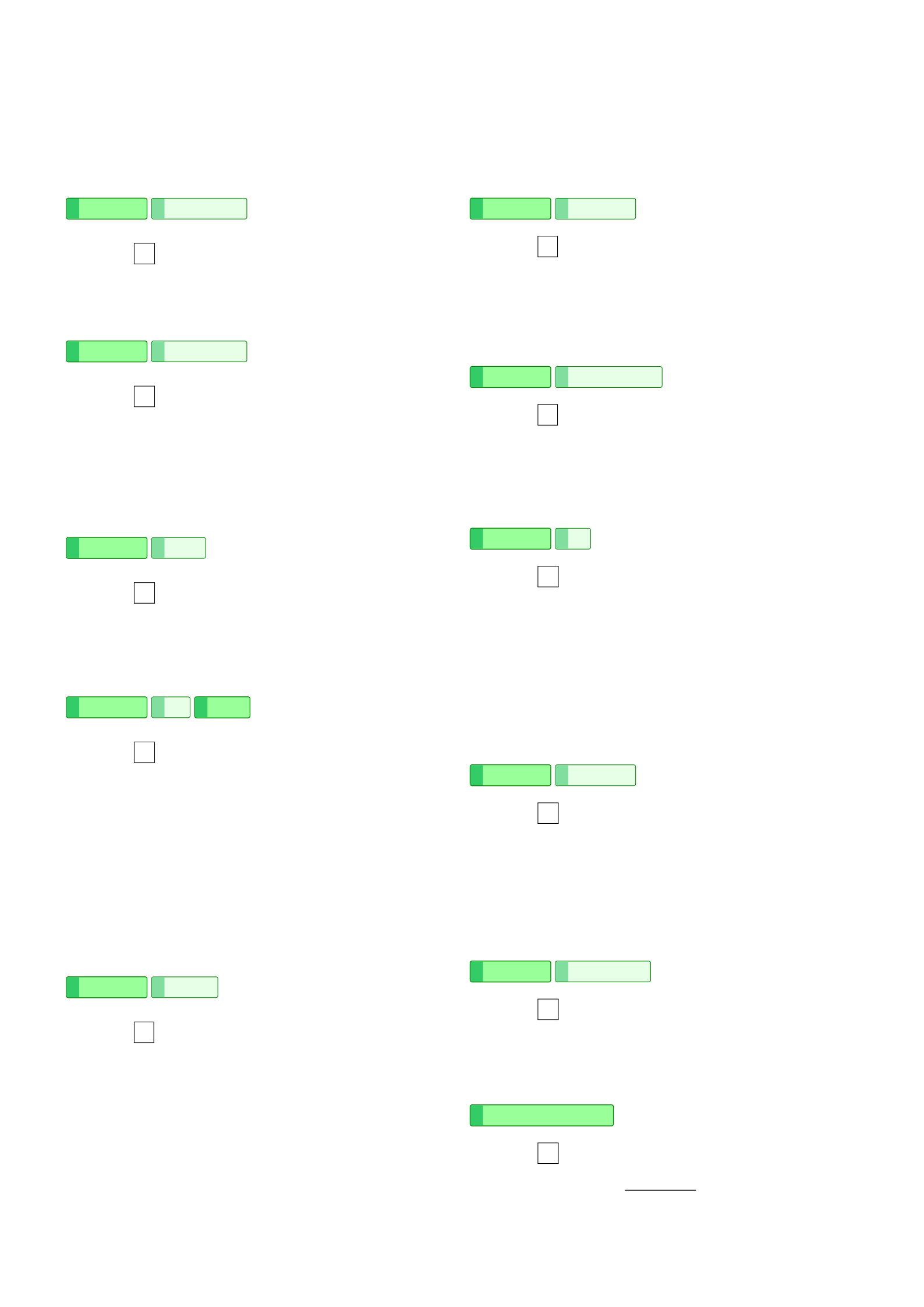
Page 7 of 18
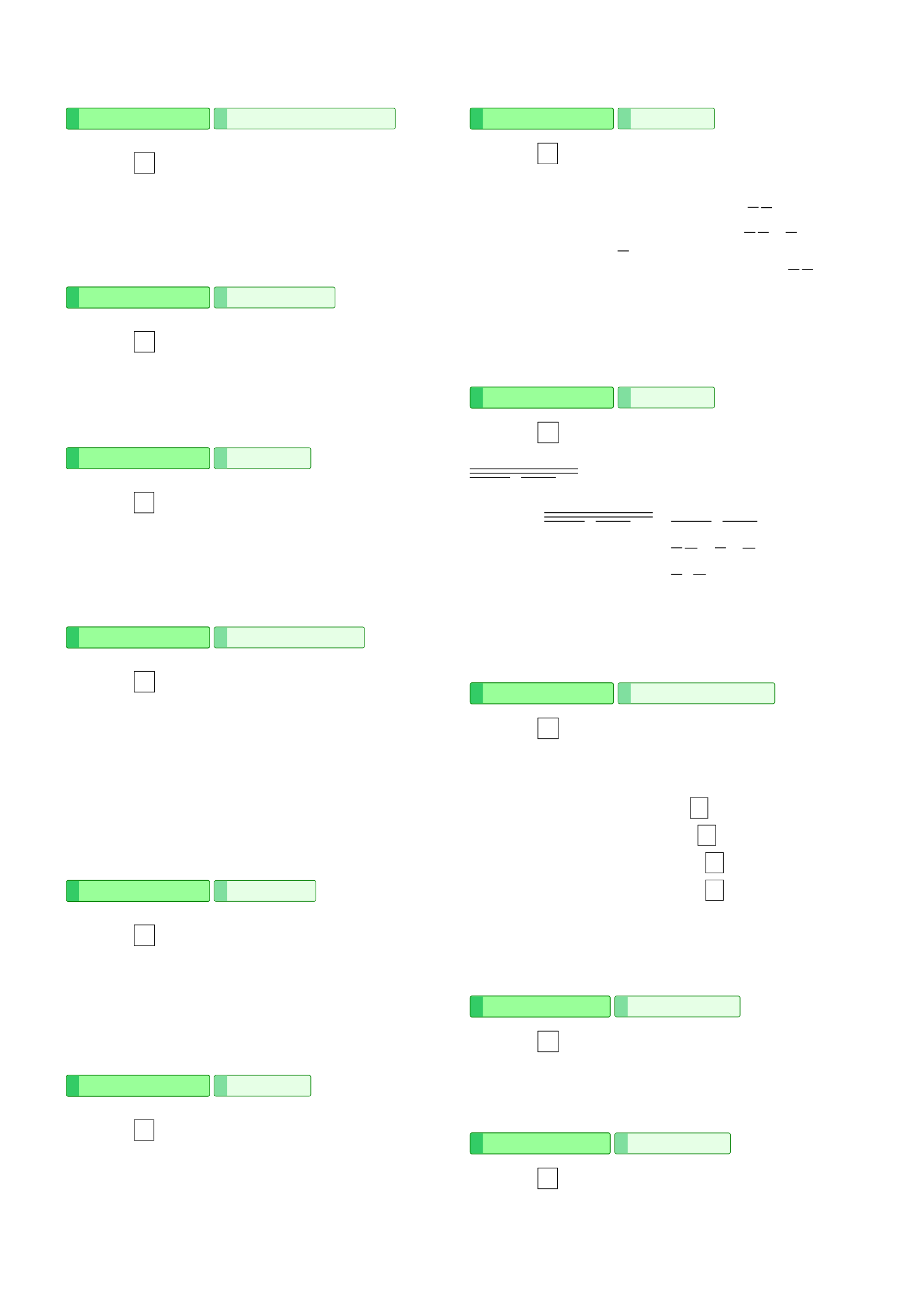
Page 8 of 18
Page 9 of 18
Page 10 of 18
Page 11 of 18
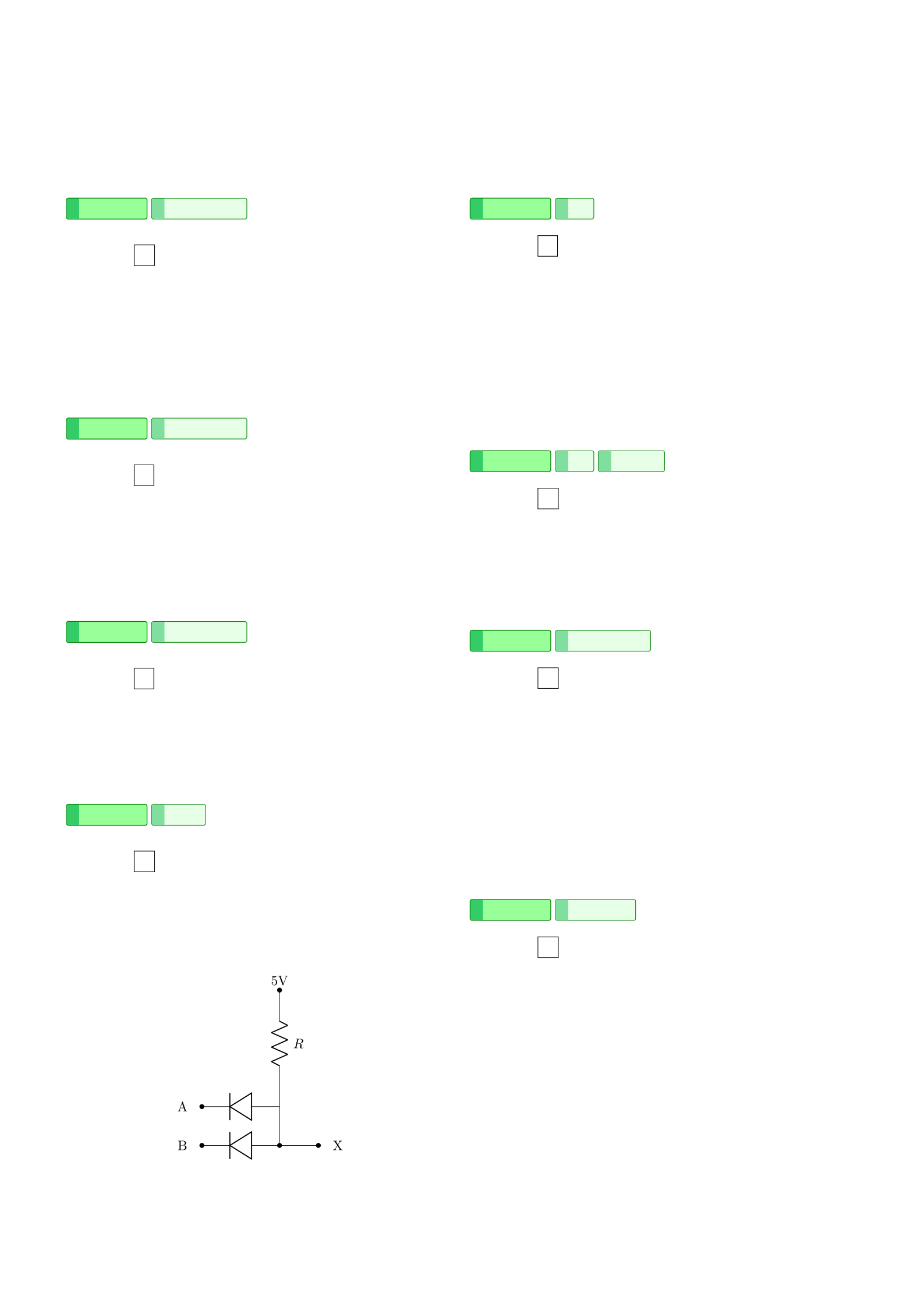
Page 12 of 18
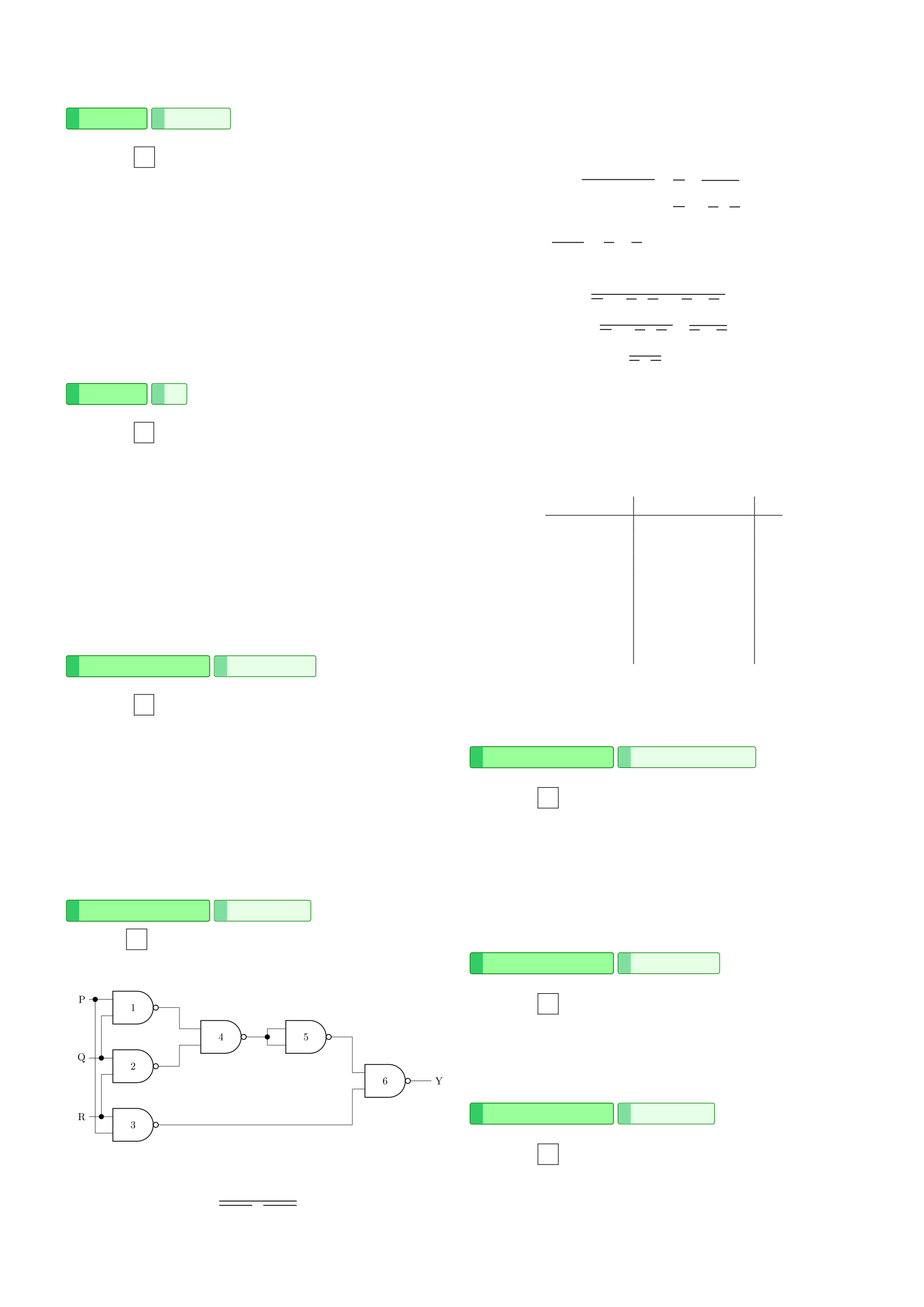
Page 13 of 18
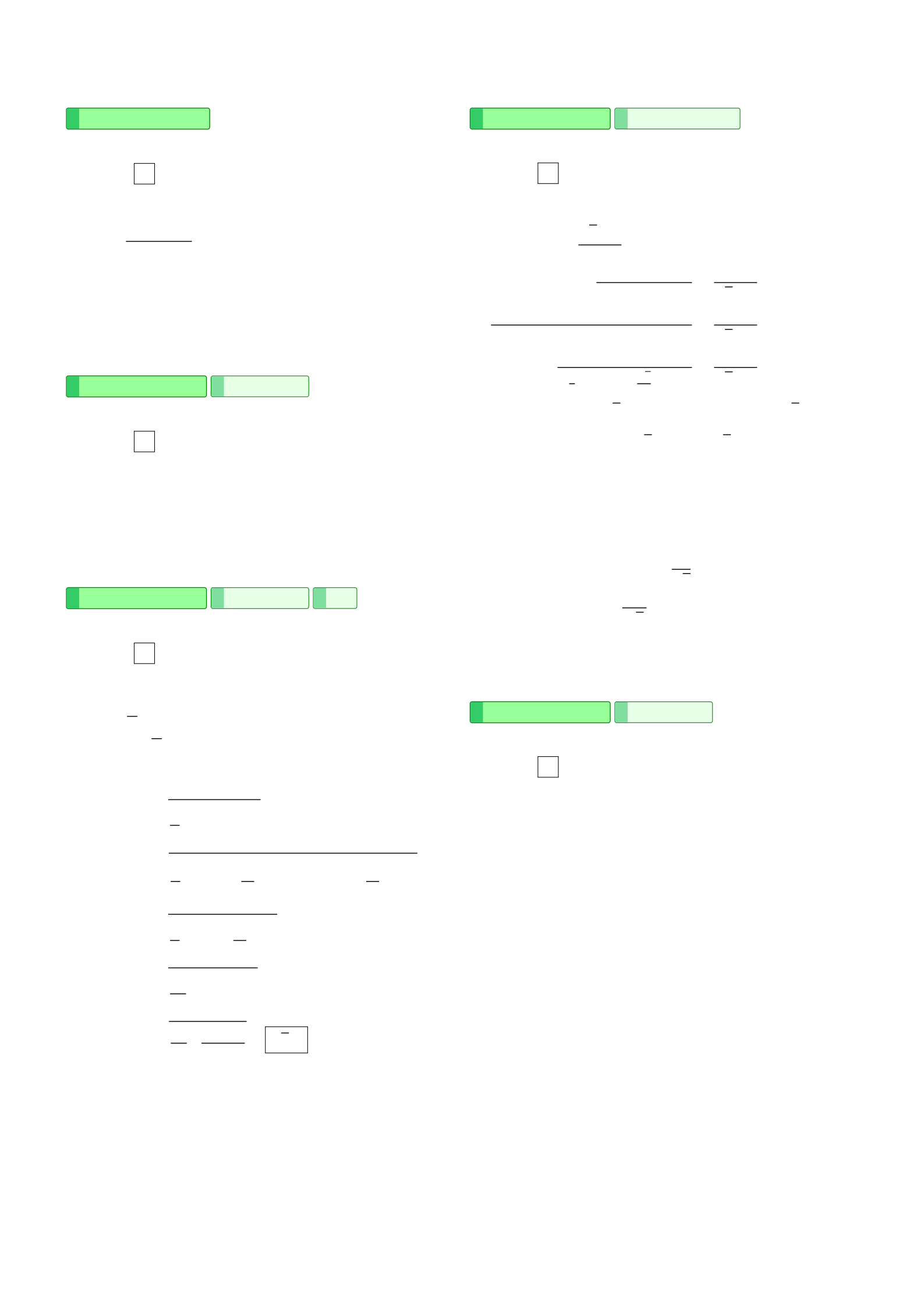
Page 14 of 18
Page 15 of 18
Page 16 of 18
Page 17 of 18

Page 18 of 18
For Contributors
A set of LaTeX macros have been defined to make it easier to automate solution indexing, even for beginner LaTeX users.
To start a new set of exam paper, create a new file under solutions/ with the name format year-month.tex. In the file, start with the year header, then add each section in its own multicols block:
\startYear{year month} % e.g. \startYear{2024 Dec}

\subsection*{Section A -- Multiple-choice Questions}
\begin{multicols}{2}

% questions go here

\end{multicols}

\pagebreak

\subsection*{Section B -- Long Questions (Electronic Engineering)}
\begin{multicols}{2}

% questions go here

\end{multicols}

\subsection*{Section C -- Long Questions (Computer Engineering)}
\begin{multicols}{2}

% questions go here

\end{multicols}

\subsection*{Section D -- Long Questions (Electrical Engineering)}
\begin{multicols}{2}

% questions go here

\end{multicols}
Section names
The section names (B, C, D) and their subtitles may vary between exam papers. Check the original paper to use the correct section names.
Then, for each question, use the qsolution environment:
\begin{qsolution}{year}{month}{question number}{tags}
    % This starts a question with specified tags (topics).
    % e.g., \begin{qsolution}{2024}{Dec}{Q1}{\tgElectronics \tgElectronicsSemiconductor}

    Write your solution here.
\end{qsolution}
All the available tags are defined in the tags.tex file.
You can also define other tags if necessary, follow the instructions in the file.
Each question should have at least one primary tag.
If a question does not need to be tagged, do this instead:
\startQuestion{year}{month}{question number}
    % This starts a question without tags.
    % The question will not have a topic, so it will not appear in the by-topic index.
    % e.g., \startQuestion{2024}{Dec}{Q1}
\begin{solution}
    Write your solution here.
\end{solution}
question environment
You do not need to wrap the questions in the question environment.
The entire file is already wrapped in a question environment in solutions/solutions.tex.
Nested question environments will mess up the indexing and layout.
For MCQs, use the \mcqAns{option} command to indicate the correct answer, followed by an explanation:
\begin{qsolution}{2024}{Dec}{Q1}{\tgElectronics \tgElectronicsSemiconductor}
    \mcqAns{A}

    Some explanation.
\end{qsolution}
For non-MCQs, write the solution as you normally would inside the qsolution environment.
Finally, import this file in solutions/solutions.tex by adding the line at the top using \input:
\begin{questions}
    \input{solutions/2024-dec.tex}
    \include{solutions/2024-may.tex}
    % ... other imports
\end{questions}
Please arrange the imports in chronological order, with the most recent exam paper at the top.
Use \input for the most recent entry and \include for the rest.
See also
-
CCCH9044-Individual-Essay
The 3000-word individual essay for the course CCCH9044.
-
CCGL9042-Question-Bank
The question bank for CCGL9042 in-class quizzes.
-
CCHU9094-Essay
Read the student submission of the essay to CCHU9094. This work has been graded A.
-
CCST9064-Video-Essay
The final video essay submitted for CCST9064 group project. Python code for Manim included.
-
COMP1110-Project
The GitHub repository of the group project.
-
COMP1110-Project-IndividualReport_JacobShing
Individual report for COMP1110 (25/26 Spring) by Jacob Shing.